

When to Use Password Reset
Use this option if:
- You forgot your password
- Your login attempt fails repeatedly
- Your account credentials need to be updated for security reasons
Password Reset Steps
Follow these steps to reset your password:
- Step 1: Go to the Reset your password Page
- Open your website and navigate to the login page by adding:
/user/passwordto your site URL.
Example:yoursite.gov.bh/user/password - Or On the login screen, click the “Forgot your password?” link.
This will take you to the password reset page.
- Open your website and navigate to the login page by adding:
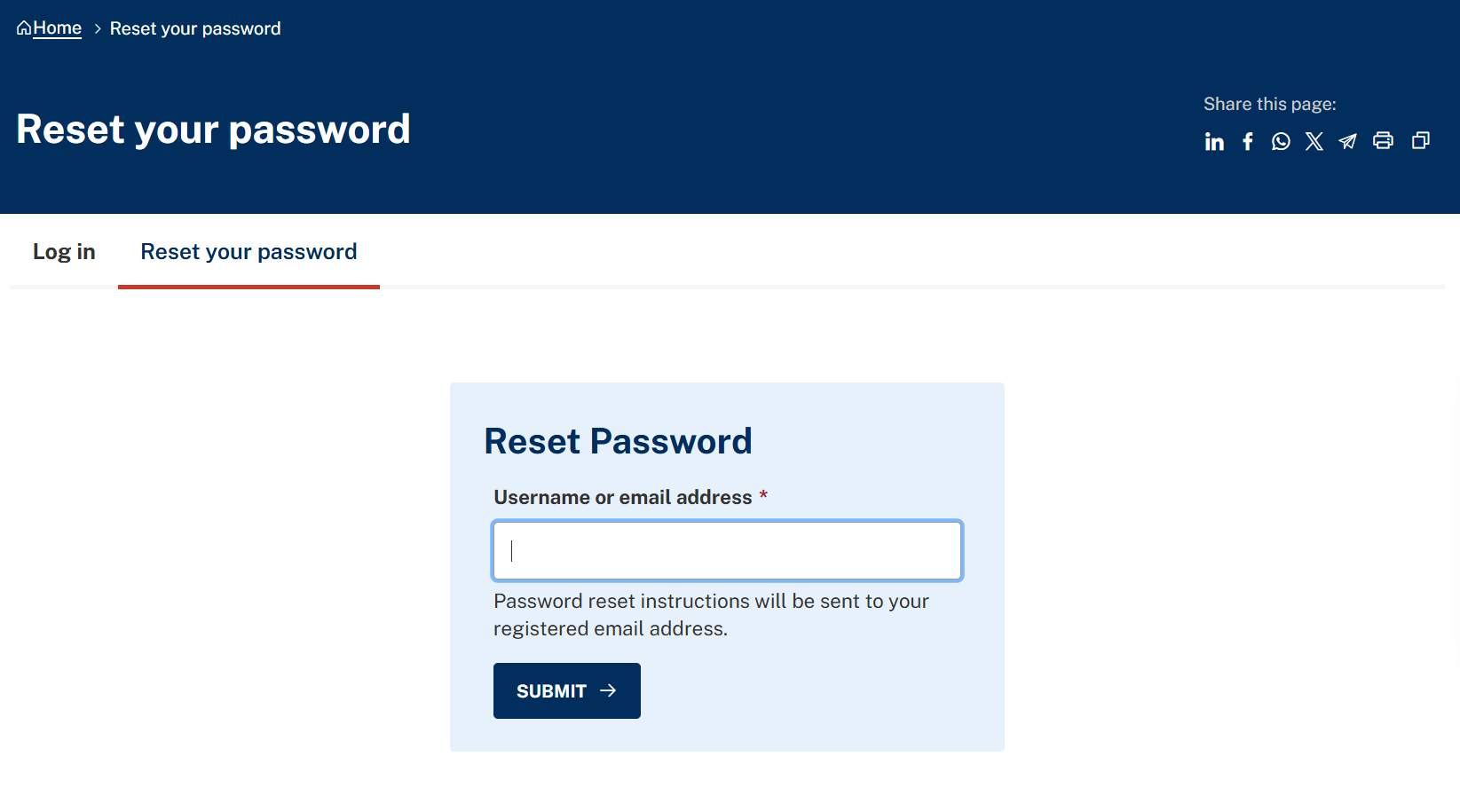
- Step 2: Enter Your Account Details
Provide one of the following: Your Username, or Your Registered Email Address
Click Submit.
Step 3: Check Your Email
You will receive an email with a password reset link.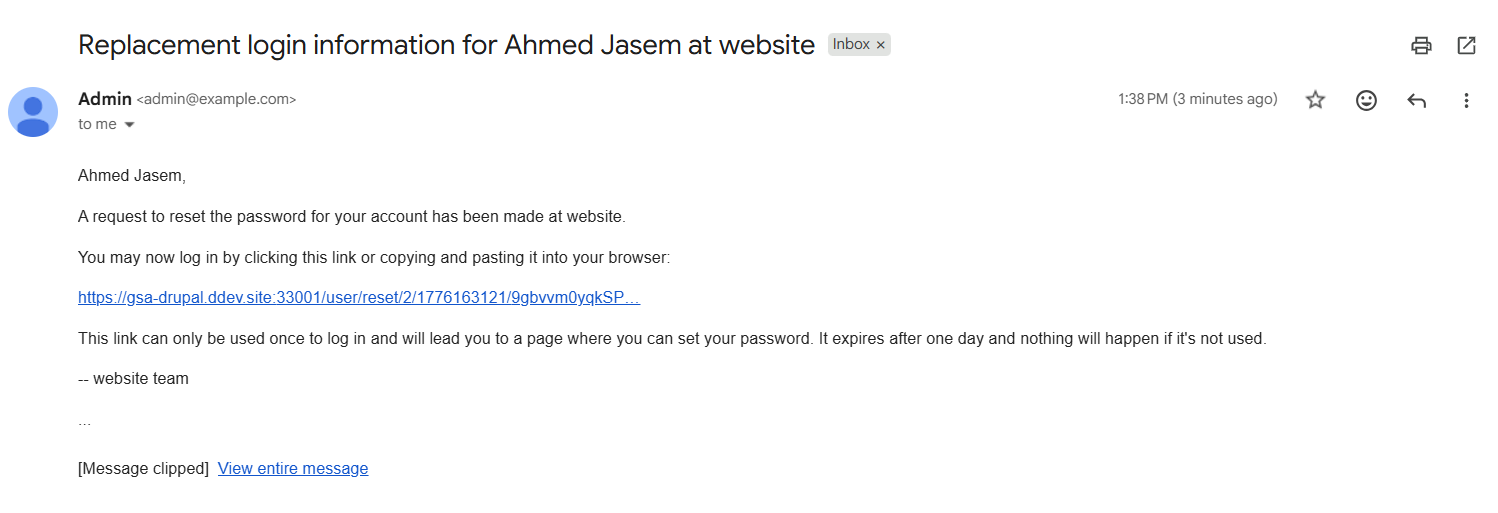
Note: If you do not see the email:
- Check your spam/junk folder
- Wait a few minutes and try again
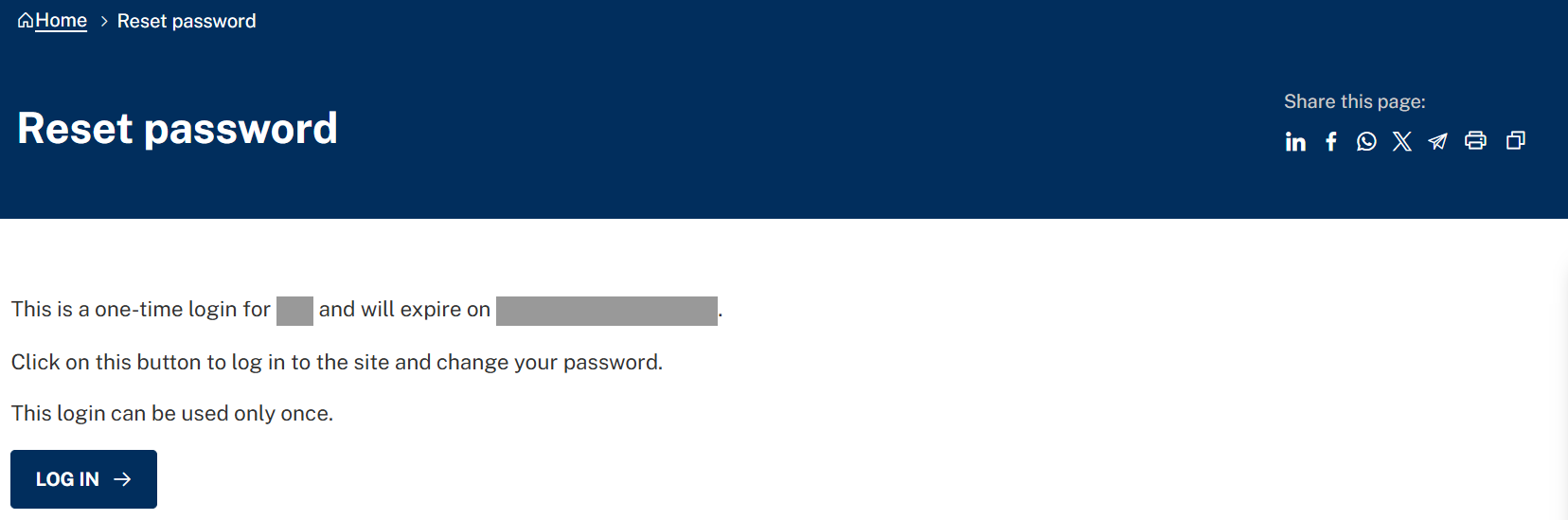
- Step 4: Open one-time link
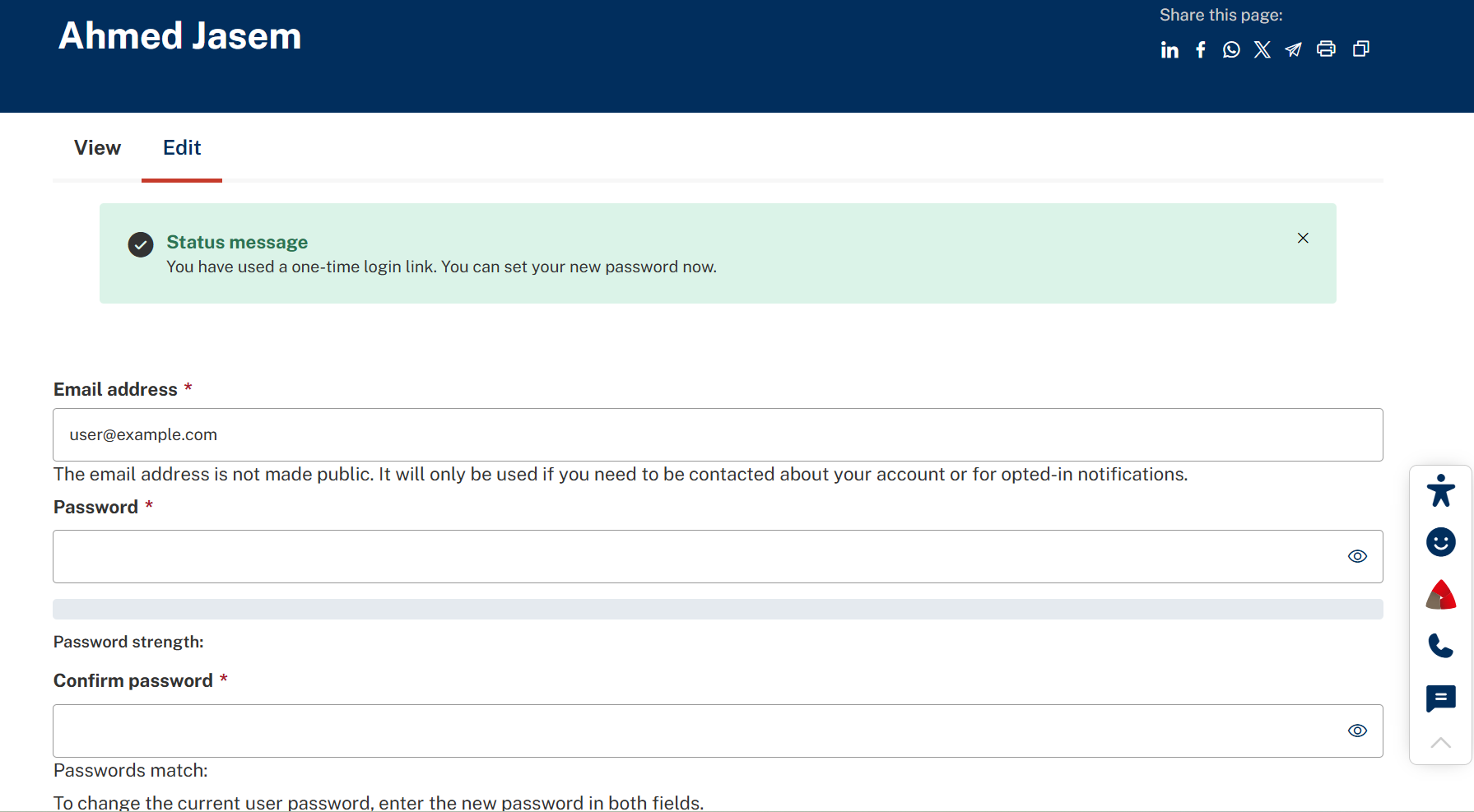
Step 5: Create a New Password
Follow the instructions to:- Enter a new password
- Confirm the password
Once completed, scroll down and click Save