

Follow these steps to access your account:
- Step 1: Navigate to the Login Page
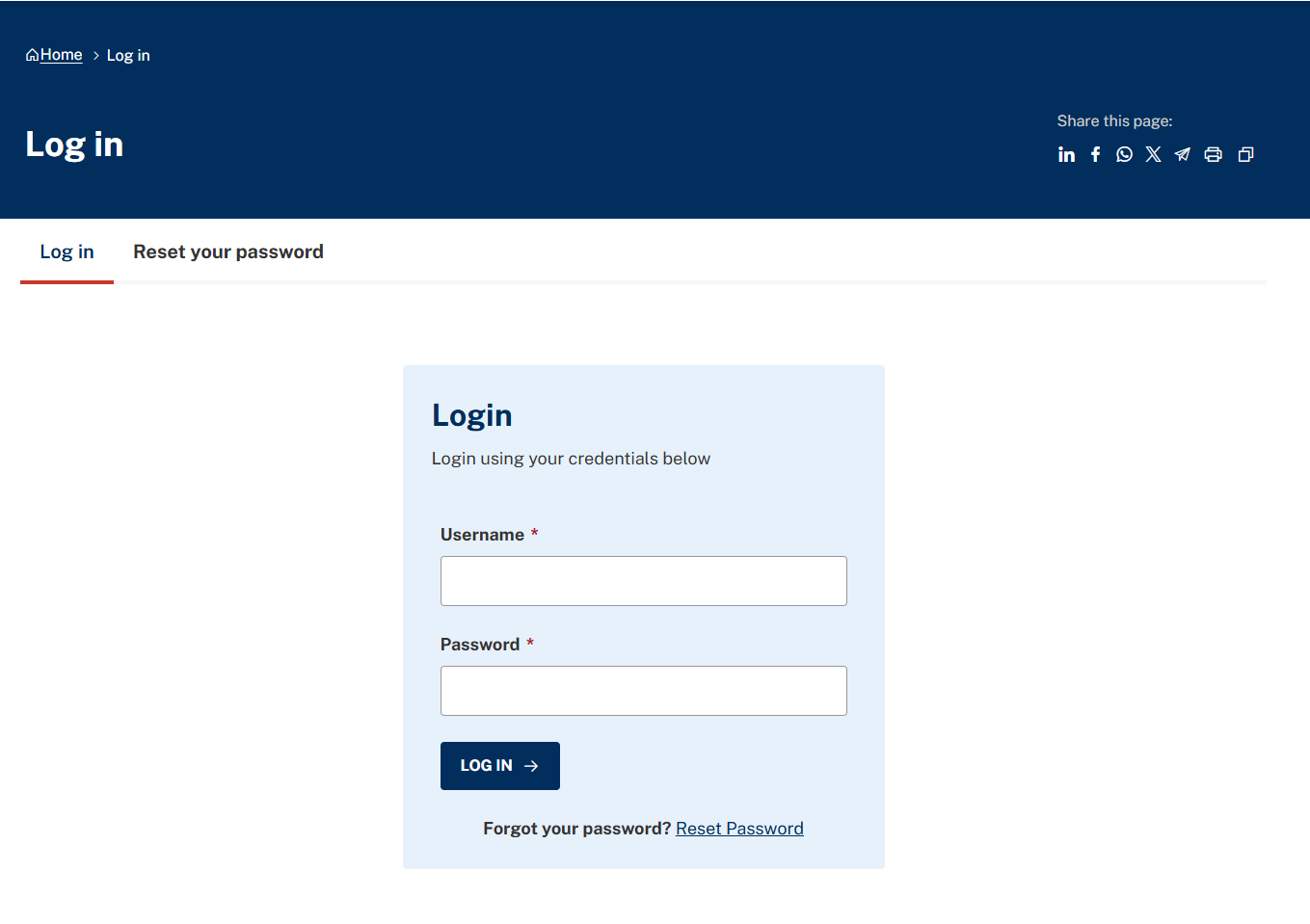
Open your web browser and enter your website URL, then add:/user/login
to the end of the address.
Example:yoursite.gov.bh/user/login Step 2: Enter Your Credentials
On the login screen, enter:- Username
- Password
These credentials are assigned to you and determine your role and permissions within the system.
- Step 3: Click “Log In”
Click the Log in button.
If your details are correct:- You will be logged into the system
- The Admin Toolbar will appear at the top of the page
- Additional editing options will become visible within the website
Important: Account Lockout Policy
To protect the security of the government portal, the system monitors login attempts.
- The 5-Attempt Limit: If an incorrect password is entered three (5) times in a row, the system will automatically block your account or IP address for security purposes.
- What to do if blocked: If you are locked out, please wait 15 to 30 minutes for the temporary block to expire before trying again.
- Still can't log in? If you continue to have trouble, do not keep trying, as this may lead to a permanent block. Instead, use the "Reset your password" link or contact your IT Support team for assistance.
